
What Is Neiro Audio?
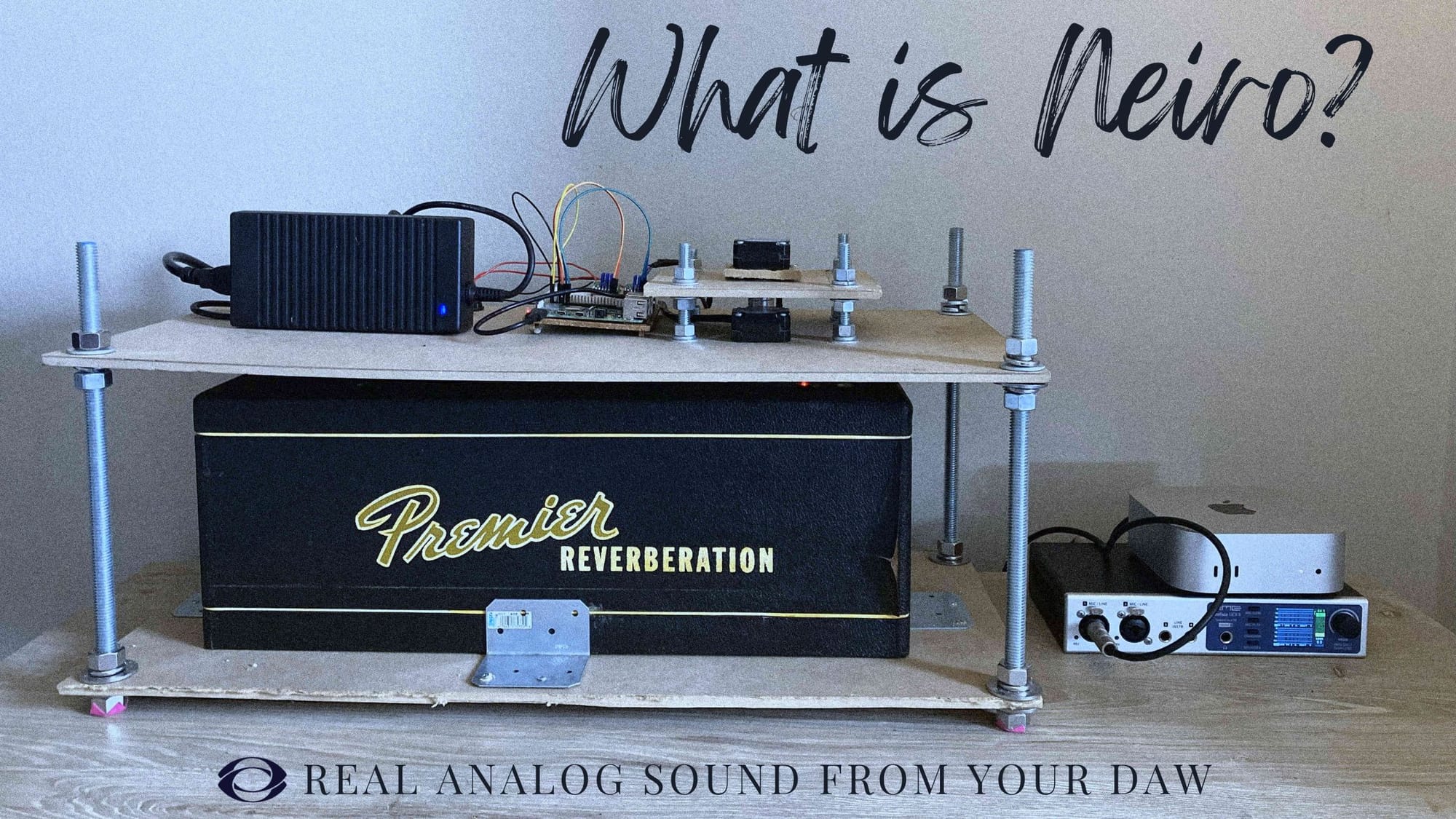
Access Real Analog Synthesizers From Your DAW
For two decades, hundreds of plugin producers have tried to recreate the timeless, warm character of analog synthesizers, with some of these VST plugins offering a sound signature close to the original hardware that inspired them.
Close. But never quite like them.
It's extremely hard to find the perfect balance between the convenience of modern music production and the unique texture of analog hardware. But what if you could remotely connect to real hardware, directly from your home studio?
What if your DAW had direct access to an analog synth, and you could render your tracks in seconds?
That's the idea that led to the birth of Neiro Audio and its innovative plugin system, which connects your DAW directly to real hardware synthesizers housed in our studio in Brooklyn.
Founded in 2023 by Mitch Meyer, Neiro has become a collective endeavor, with a global team and a clear goal: to make analog hardware affordable and accessible to anyone.
Analog Tone — Digital Workflow
You might be under the impression that this is an emulation plugin like many others. Nothing could be further from the truth.
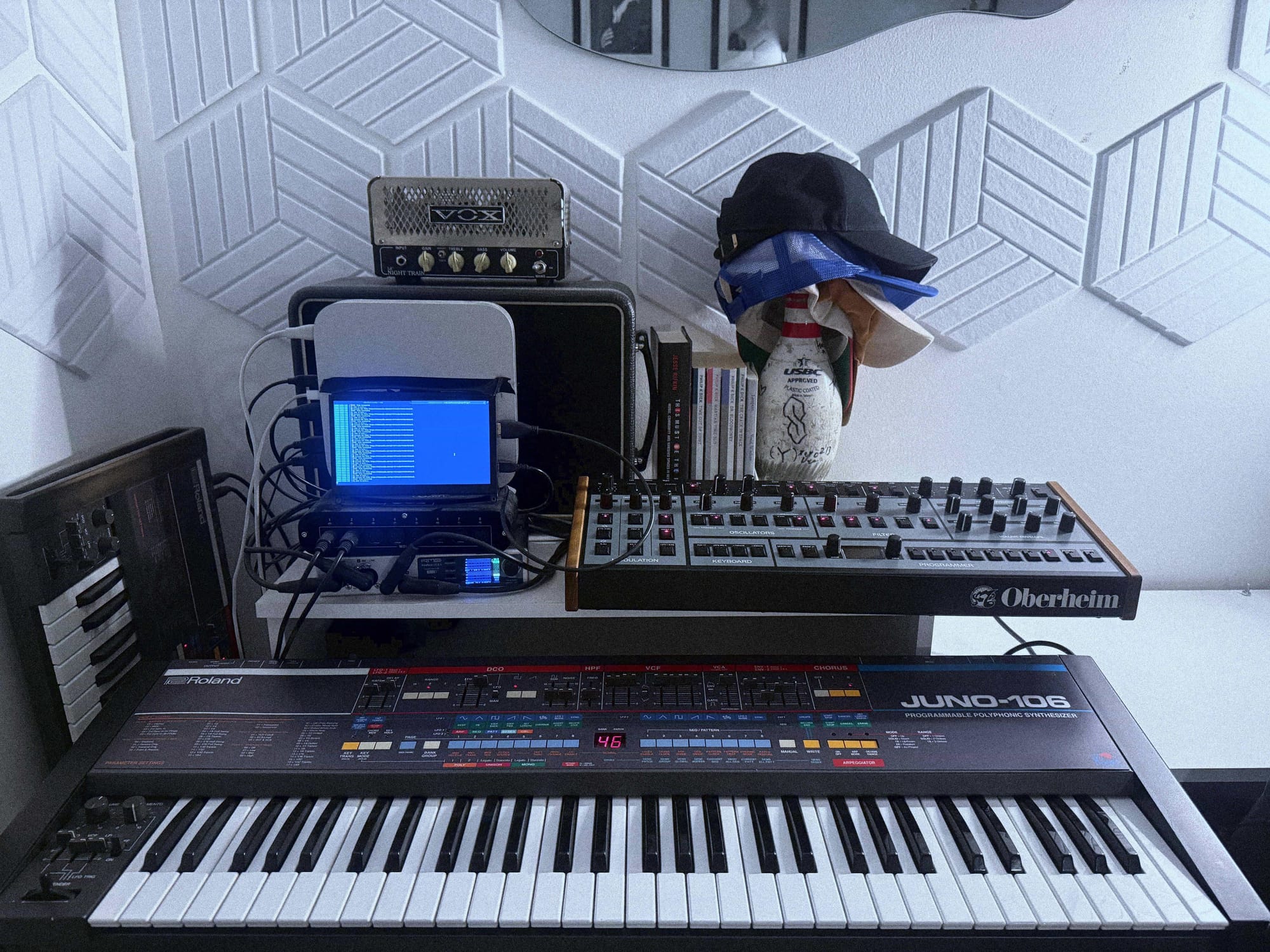
Unlike soft synth emulations that give you an approximation of the analog sound, Neiro's plugins give you access to the actual instruments; the moment you render your track, your sound is played directly through the real thing.
Currently, Neiro's constantly expanding system offers access to the following hardware.
- Roland Juno-106: A polyphonic synth that has defined four decades of music across genres, the Juno-106 is rendered through a Kiwi 106 and accessible through our N106 plugin.
- Oberheim OBX-8: A classic analog synthesizer with natural punch and a full fat sound, available via the Neiro NX8 plugin.
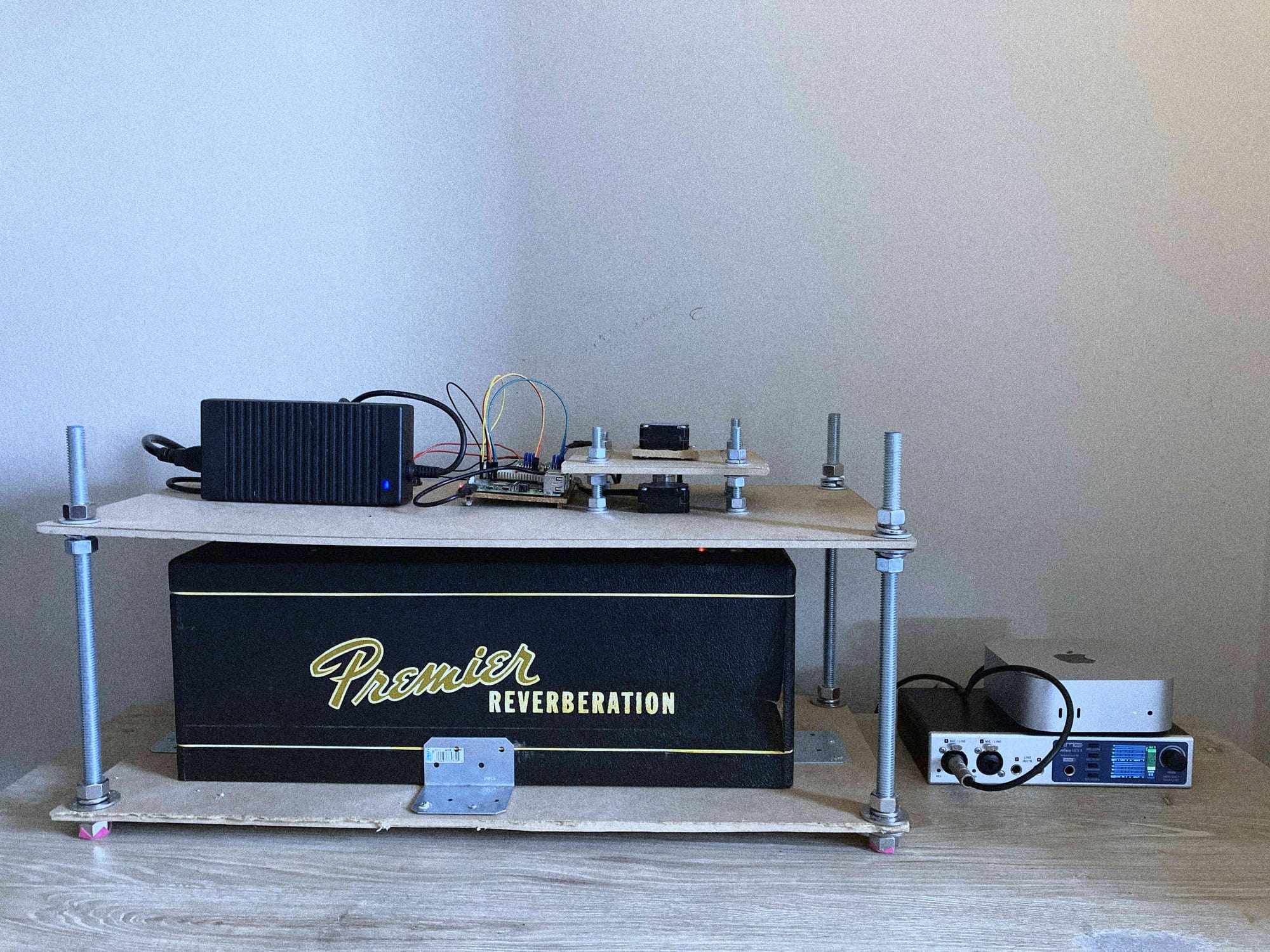
- Multivox Premier 90: Our NVerb 90 gives you access to the unique spring reverb and tube distortion textures of the Multivox Premier 90 Reverberation, directly from your DAW.
How to Render a Track
- Compose with the emulation: Work with Neiro's DSP emulation plugin in your DAW. Write your melody, shape the sound, program your automation, dial in your preset and more — all with zero latency.
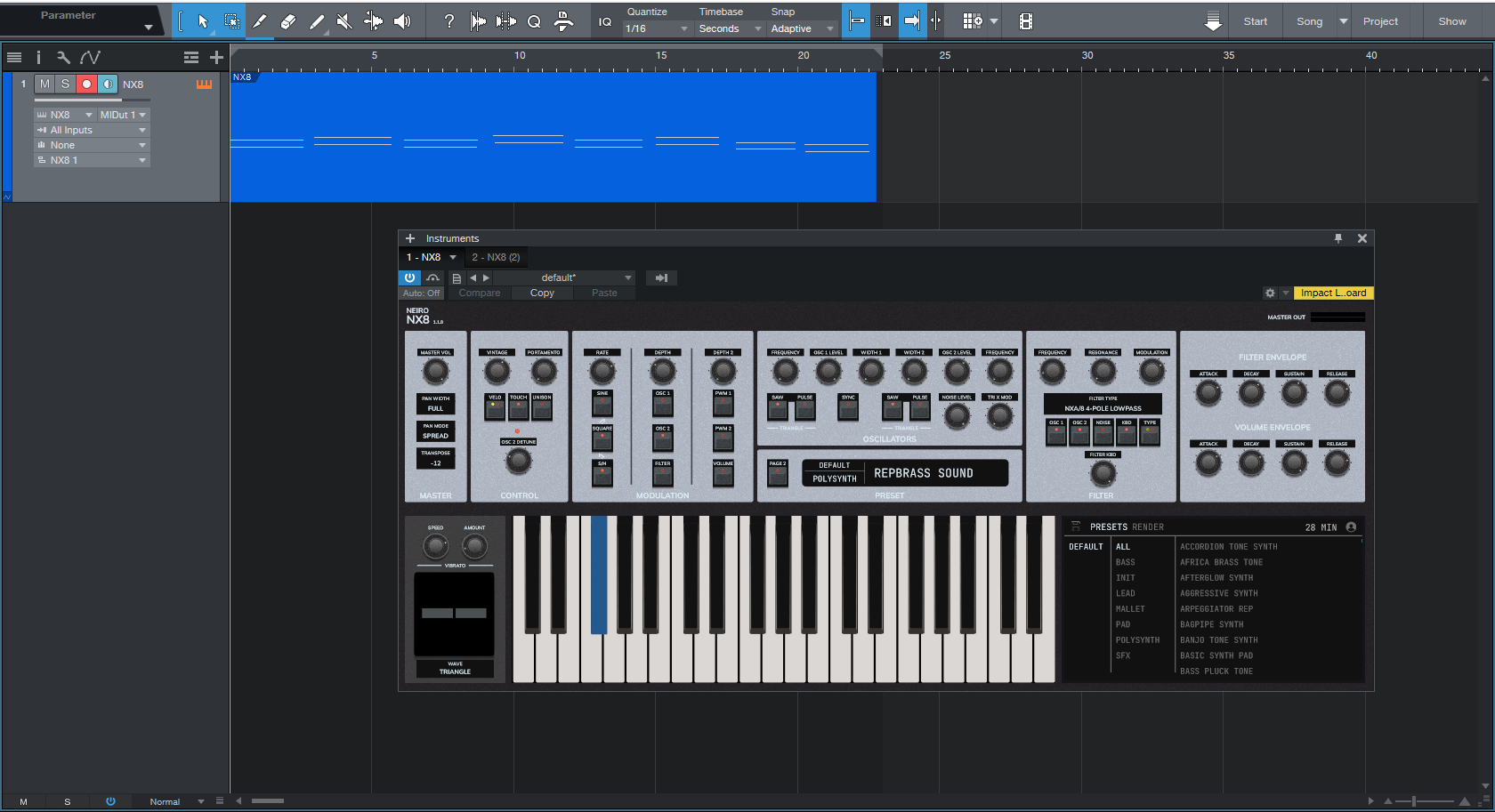
- Capture your performance: When you're satisfied, hit the "capture" button. The plugin packages all your MIDI data, preset information, and parameter automation.
Press the "Capture" button and record the section you want to render.
- Receive analog audio: Your data is sent to Neiro's Brooklyn studio, where it's automatically recorded on the actual hardware synthesizer. The rendered audio is downloaded back to your plugin.
Drag your rendered track for further audio adjustments in your DAW.
Neiro renders are stored as wav files on your computer, but you can also access them through your Neiro account.
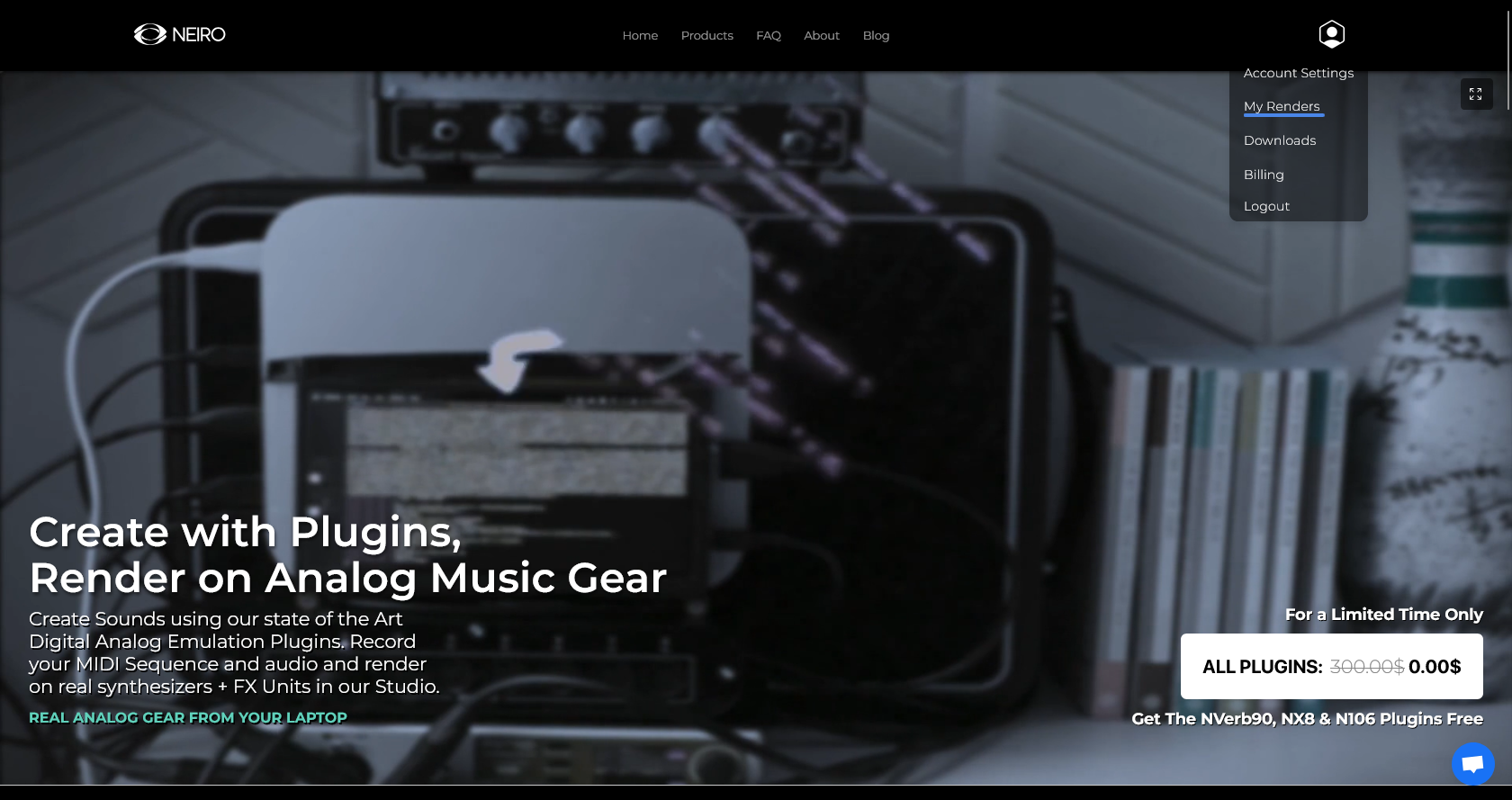
With Neiro, your music is printed on an analog synthesizer without the costs of renting, owning, and maintaining vintage synths. The audio is digitized only once at our studio, so you can capture the full warmth, depth, and organic quality of true analog hardware.
Who is Neiro For?
If you make music with your DAW but want an authentic analog tone, Neiro is the tool you need to bring your creativity to life. The same goes for recording studios that need access to actual vintage hardware but can't afford it or don't know how to maintain it.
Neiro isn't designed for live performance or real-time tweaking, because there's a queue system and renders might take a few minutes. However, for studio production of any kind, this workflow is ideal: you get the creative flexibility of software with the sonic authenticity of hardware, in minutes.
Bedroom producers, musicians on a budget, portable studios: Neiro offers everyone the versatility of digital music production and the unique sonic characteristics of vintage gear, at an honest price.
Pricing and Access
Neiro's plugins are free to download, and you only pay for rendering your tracks. We believe you should pay for the tools you actually use, which is why we created a credit-based system that gives you full access to our plugins, for as long as you need them.
Each plugin comes with free 30 minutes of rendering time. After that, you can get extra rendering time by purchasing extra credits:
30 minutes = $15
60 minutes = $20
120 minutes = $35
Ready to give it a try? Head over to Neiro Audio and download our plugins for an immersive, truly analog experience.